Python · Toolkit

Python Project Toolkit

A free, beginner-friendly Notion toolkit for learning Python by building five practical projects, with clear explanations and an organised learning roadmap.

5.09 verified ratings

Instant accessSecure checkout via Gumroad

Description

A free, beginner-friendly Notion toolkit for learning Python by building five practical projects, with clear explanations and an organised learning roadmap.

Learn and build

  • CLI to-do list: practise input, conditionals and file handling.
  • Password generator: work with loops, strings and functions.
  • Weather app: connect to an API and parse JSON data.
  • PDF merger: use third-party libraries to automate document tasks.
  • Video-downloader example: explore content-automation concepts; use only content you are authorised to download.
  • Core skills: apply variables, data structures, packages and practical problem-solving.

Included with the resource

  • Five project guides: beginner-level, step-by-step instructions and code guidance.
  • Python foundations: concepts explained through practical examples.
  • Direction: a learning roadmap and career tracks in web, automation and data.
  • Notion workspace: organise project code, learning progress and next steps.

Access and requirements

  • Resource price: the toolkit is free through Gumroad.
  • Format: a Notion template you can duplicate into your workspace.
  • Practice setup: Python and a code editor; install project libraries or API credentials when required.
  • External services: availability and provider limits can change; check an integration's requirements before running it.
WHO IS THIS TOOLKIT FOR?
  • Absolute beginners and self-learners who want practical exercises.
  • Career changers and learners looking for projects to improve and explain.
  • Freelancers exploring useful Python tools and automation.
WHAT'S INCLUDED?
  • Five project guides: beginner-level, step-by-step instructions and code guidance.
  • Python foundations: concepts explained through practical examples.
  • Direction: a learning roadmap and career tracks in web, automation and data.
  • Notion workspace: organise project code, learning progress and next steps.
HOW SHOULD I USE IT?
  • Install Python and follow the toolkit's setup instructions.
  • Build one project, inspect the code and test its behavior.
  • Change or improve a feature, track progress and use the roadmap to choose what comes next.
HOW DO ACCESS & SETUP WORK?
  • Resource price: the toolkit is free through Gumroad.
  • Format: a Notion template you can duplicate into your workspace.
  • Practice setup: Python and a code editor; install project libraries or API credentials when required.
  • External services: availability and provider limits can change; check an integration's requirements before running it.

A practical Python toolkit

Five beginner Python projects
CLI, APIs and document tools
Learning and career roadmap
Free Notion project toolkit
Practice Python through guided projects while building clearer coding habits and a repeatable project workflow.

What learners say

Python Project Toolkit

thsi guide helped me a lot
AnonymousVerified Gumroad buyer
Read on Gumroad

You may also like

You may also like

Python Bundle resource cover

Python Bundle

$49

$99

Bundle

A connected Python, SQL, GUI, automation, roadmap, and project system with 75+ builds designed to move learners from fundamentals to portfolio-ready work.

View resource

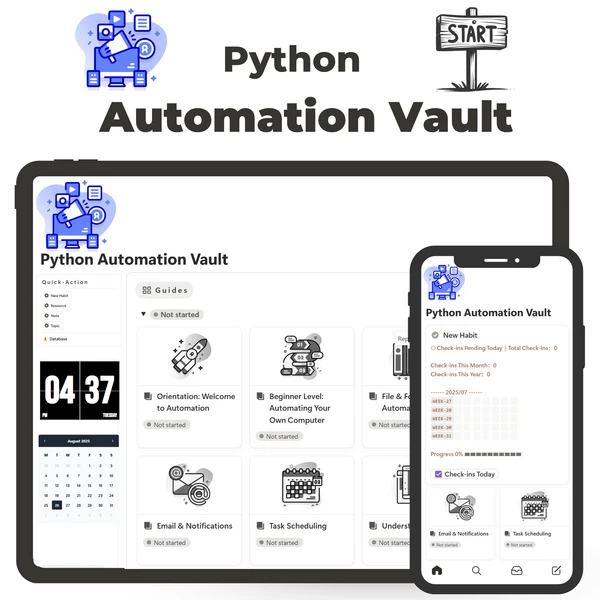
Python Automation Vault product cover

Python Automation Vault

$29

Project Vault

Build 10+ practical Python automations across files, email, APIs, spreadsheets, browsers, scheduling, reliability, concurrency, and data pipelines.

View resource

Python Project Vault product cover

Python Project Vault

$29

Project Vault

Build 25+ Python projects across CLI tools, web apps, APIs, automation, machine learning, and data—with code explanations and GitHub-ready deliverables.

View resource

Python Kickstarter resource cover

Python Kickstarter

Free

Guide

A free, beginner-first Python starter system for learning fundamentals in a clear order, applying them through mini-projects, and choosing what to learn next.

View resource